

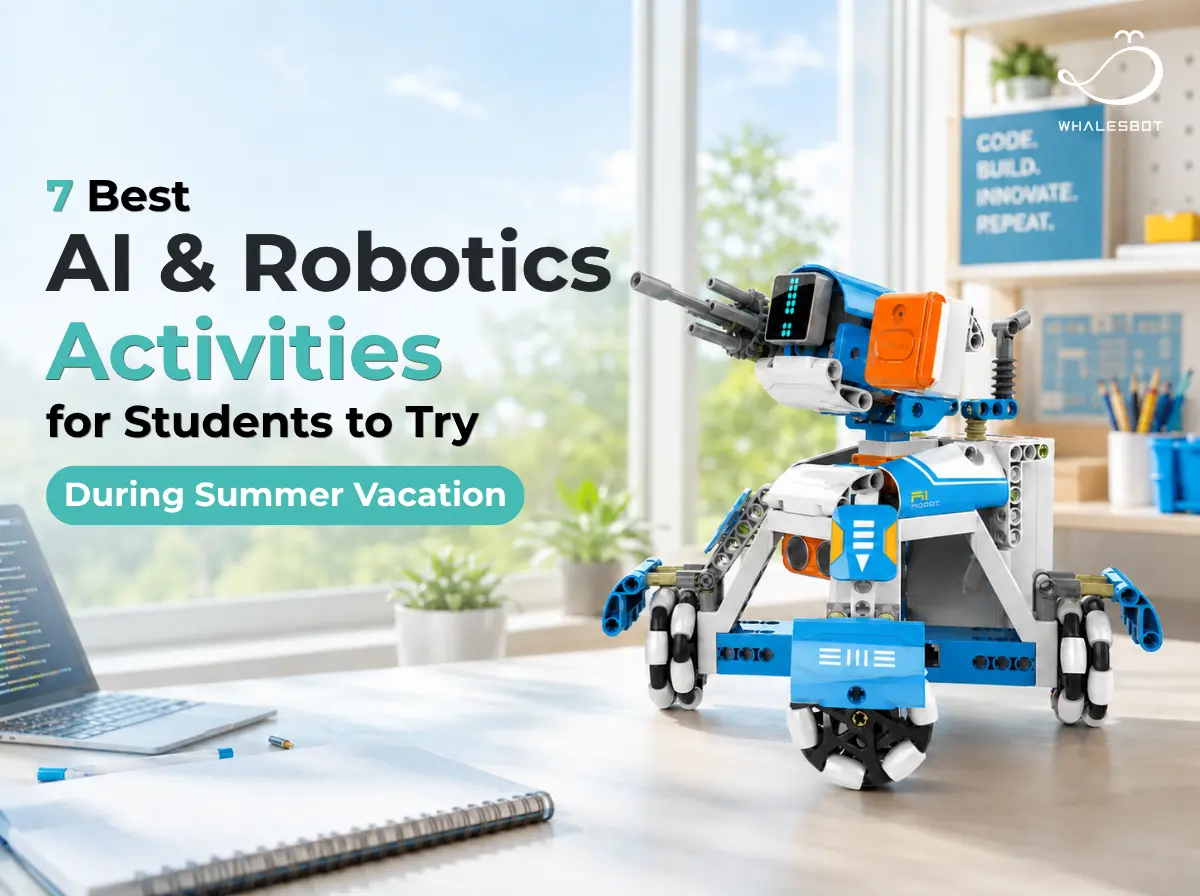


Summer vacation gives students more time to explore ideas, test projects, and learn beyond the usual classroom schedule. It is a natural opportunity to turn curiosity about artificial intelligence and robotics into hands-on experience.
Getting started does not always require advanced coding or expensive equipment. Students can begin with an AI-themed film or a simple creative project, then move on to building and programming robots, designing challenges, visiting technology spaces, joining summer camps, or taking part in competitions.
This guide introduces seven fun AI and robotics activities for students, with options for different ages, interests, and levels of experience.
1. Discover AI and Robots Through Stories
Films and documentaries offer an easy starting point for exploring how artificial intelligence and robots may shape human life. The following selections approach the topic through environmental change, human–robot relationships, AI ethics, and a real milestone in machine learning.
·WALL·E
Released in 2008, WALL·E follows a waste-collecting robot left alone on an abandoned Earth. After meeting EVE, he becomes part of a journey that may help humanity return home. The film opens up conversations about environmental responsibility, automation, and dependence on technology.
·The Wild Robot
Released in 2024, The Wild Robot tells the story of Roz, a service robot stranded on an island. As she learns to survive, connect with animals, and care for an orphaned gosling, the film explores adaptation, empathy, and the relationship between technology and nature.
·I, Robot
Released in 2004, I, Robot is set in a future where intelligent robots assist people under strict safety rules. When a scientist dies unexpectedly, a detective begins to question whether a robot may be responsible. Best suited to older students, the film raises questions about autonomy, human control, and AI safety.
·AlphaGo
Released in 2017, AlphaGo documents the historic match between Go champion Lee Sedol and DeepMind’s AI system. It offers students a real-world look at machine learning, human–AI competition, and the changing meaning of creativity and strategy.
2. Try a Simple AI Project
A simple AI project can be as small as teaching a model two hand gestures or turning an idea into a song. The point is to try, compare, and see how different inputs change what AI does.
·Train AI to Recognize and Classify
Try this: Choose two or three gestures, objects, or sounds. Collect a few examples, train the model, and test it with something new.
What students discover: AI learns from examples. Lighting, backgrounds, and the variety of training data can all change its answers.
Tool: Google Teachable Machine is a free browser-based tool for training image, sound, and pose models without coding.
·Write a Story with AI
Try this: Create a character, a setting, and a problem, then ask AI for dialogue, a plot twist, or several possible endings.
What students discover: AI can offer ideas quickly, but the writer still decides what feels original, what makes sense, and what belongs in the final story.
Tool: Try an age-appropriate writing assistant such as ChatGPT. Families should check the platform’s age rules; for children under 13, educational use of ChatGPT should be handled by an adult.
·Explore AI Drawing
Try this: Draw against the clock and see how quickly AI can guess the answer. Then use an image generator to create the same idea and revise the description until the result gets closer.
What students discover: AI looks for familiar patterns, and even a few extra words can completely change a generated image.
Tool: Google Quick, Draw! is a free drawing game in which a neural network tries to identify each sketch. For image generation, choose an age-appropriate tool with adult guidance.
·Create a Song with AI
Try this: Pick a topic, mood, music style, and a few keywords, then generate several versions of the same song.
What students discover: Small changes in the description can reshape the lyrics, tone, and rhythm. AI may generate the music, but students remain the creative directors.
Tool: Older students can try Suno, which offers both free and paid plans (for users aged 13 and above).
3. Build and Program a Robot
AI becomes much easier to understand when students can see code turn into movement. A sensor notices an object, a motor responds, and an abstract instruction suddenly produces a real result.
This is the idea behind WhalesBot AI Foundations Learning. It connects hardware, software, curriculum, and projects into one learning journey, helping students move from building, sequencing, and sensing to programming, automation, and AI applications. To support this progression, WhalesBot offers STEM and AI robotics systems for different ages and experience levels.
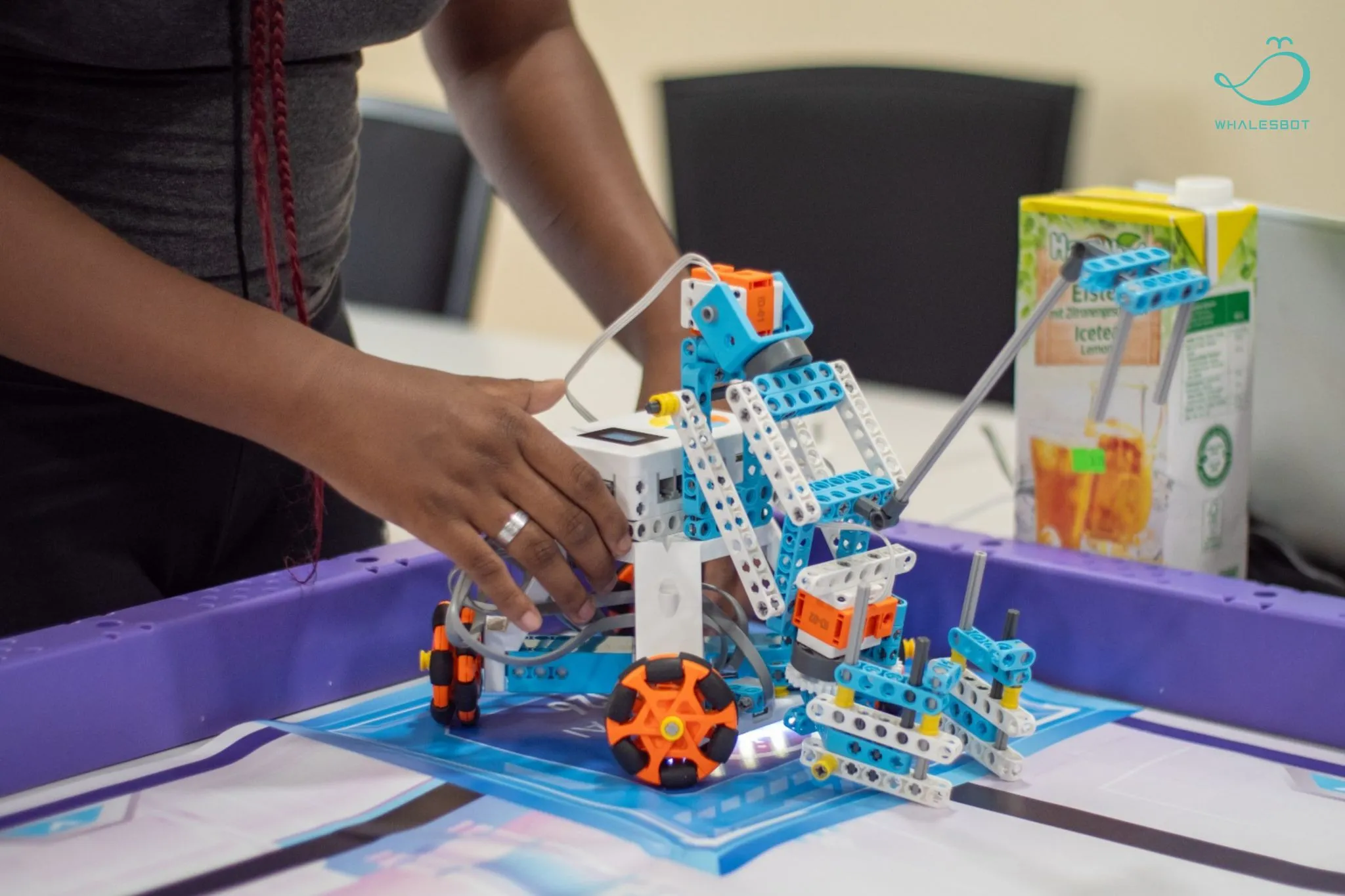
·Beginner: Start with Building and Basic Logic
For younger learners and first-time builders, the WhalesBot MakeU and Smart series offer an easy and playful introduction to robotics.
Students can build models, work with motors and sensors, and explore sequencing, cause and effect, and basic programming. MakeU emphasizes hands-on building and offers screen-free coding options, while Smart introduces more structured programming and robotics tasks.
·Intermediate: Take on More Complex Robot Projects
Students ready to go further can explore the WhalesBot AI Module series or WhalesBot Rocky, depending on whether they prefer hands-on building or a quicker start with an all-in-one robot.
The AI Module series lets students build robots from parts, test mechanical structures, work with sensors, and progress from Scratch to C and Python. Rocky makes it easy to jump into line following, obstacle avoidance, and interactive coding tasks.
·Advanced Engineering: Think Like an Engineer
For students ready for a more engineering-focused challenge, WhalesBot EnginBot and WhalesBot WoBot support hands-on projects involving mechanical structures, sensors, motors, and programmable control.
Students can explore transmission mechanisms, automated movement, and coding in Scratch, C, and Python, bringing structure, sensing, motion, and code together in one robot project.
·Drone Robotics: Take Coding Into the Air
With the WhalesBot Eagle series, students can move beyond ground-based robots and explore how code controls movement in three-dimensional space.
Depending on the model, they can experiment with remote-controlled flight, block-based coding, modular building, AI vision, FPV, and autonomous missions. Along the way, students see how sensing, control, and programming work together during flight.
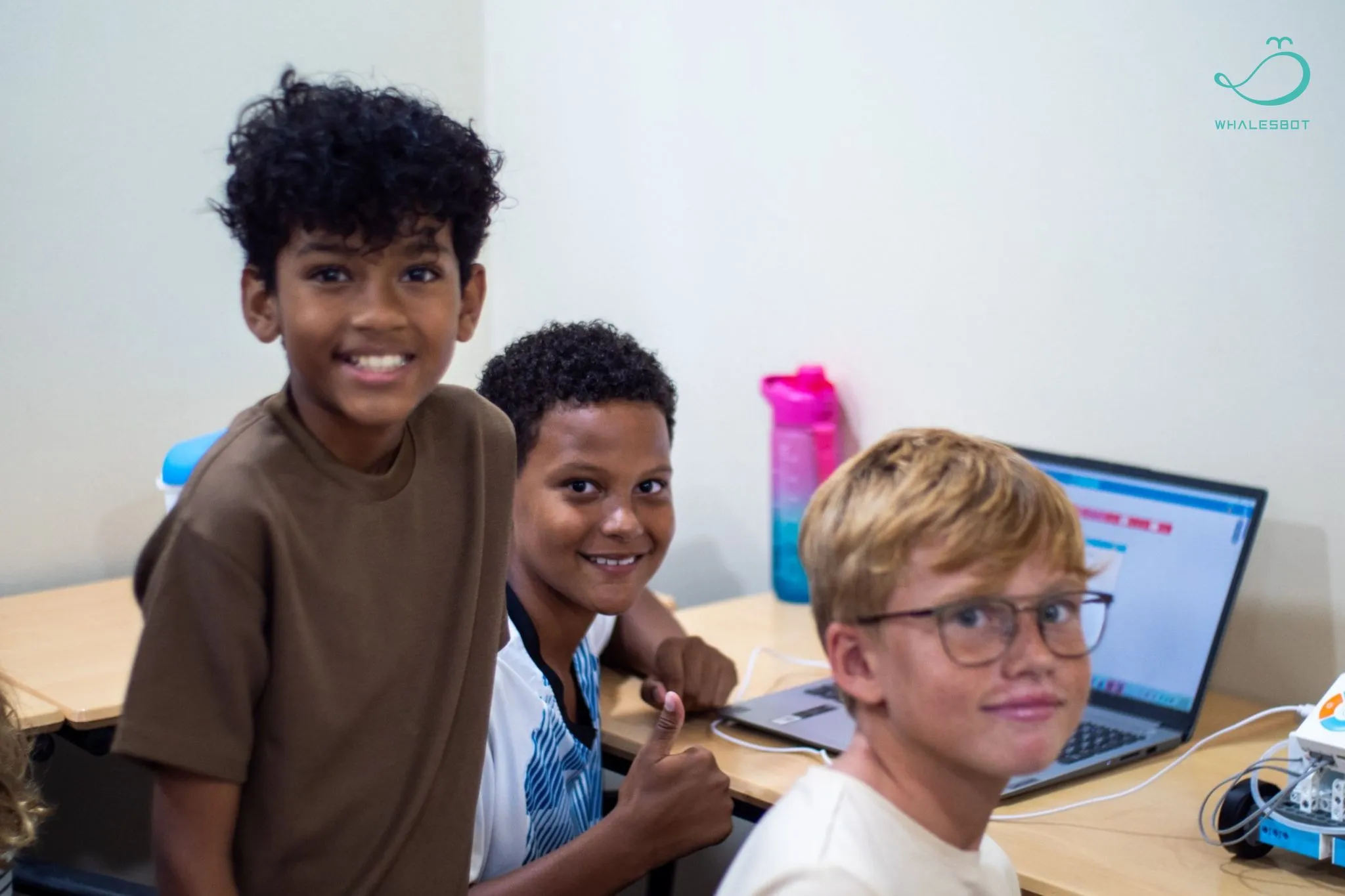
4. Create a Robot Challenge
Once the robot is moving, give it something to do. A simple challenge turns coding into a game and gives students a reason to test, adjust, and try again.
·Robot Race or Obstacle Course
Use tape, blocks, cups, or other household objects to build a track. Students can race against the clock, follow a marked route, or see whether the robot can reach the finish line without hitting anything.
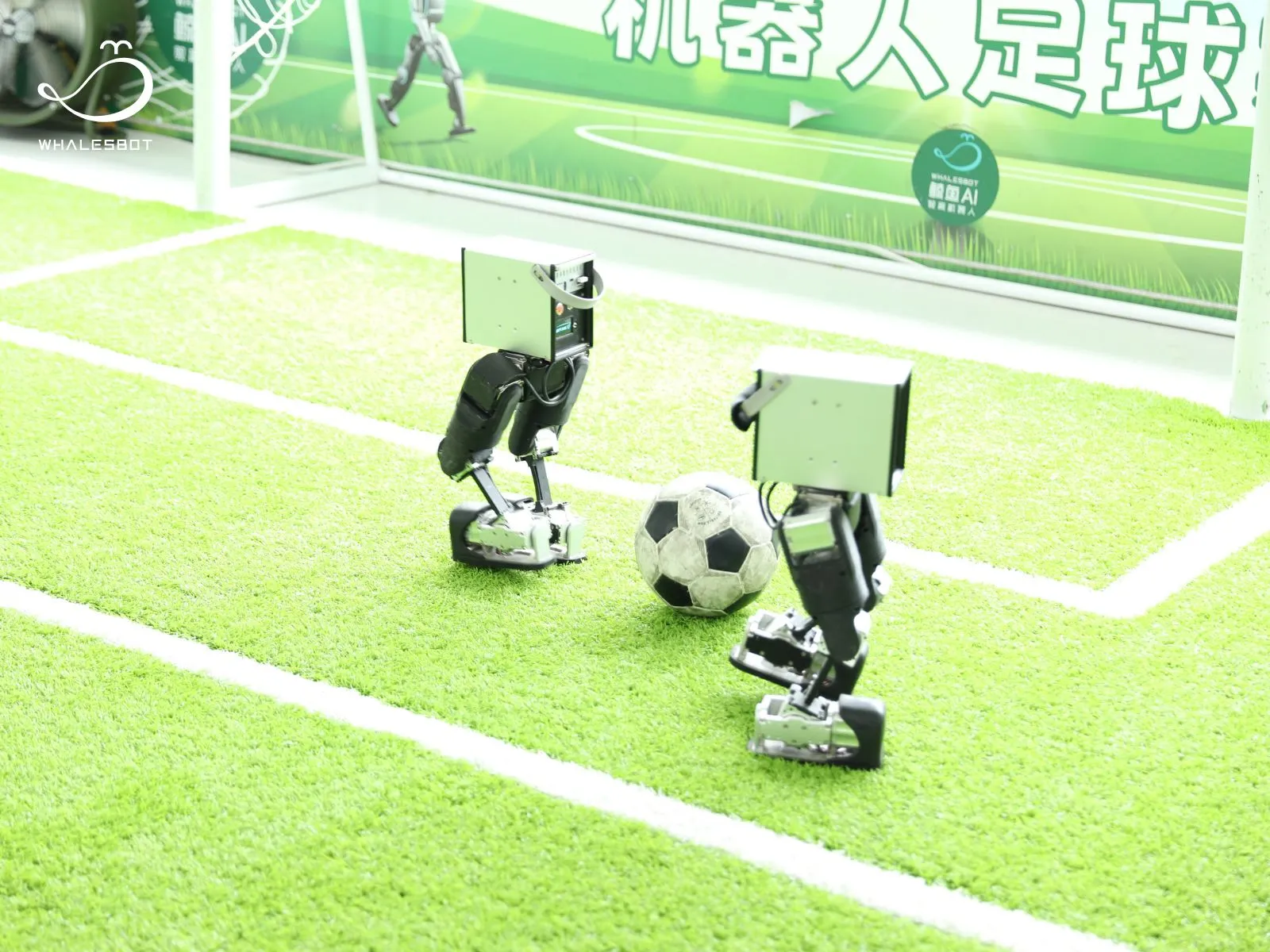
·Robot Soccer
Set up two small goals and choose a lightweight ball. Start by guiding the ball into the net, then add teams, time limits, or simple passing rules to make the game more competitive.
·Sorting or Delivery Challenge
Create pickup and delivery zones, then ask the robot to move an object to the right place. Add colors, obstacles, or extra stops when the first version becomes too easy.
·Drone Flight or Drone Soccer Challenge
Build a mini flight course with gates, landing zones, or a finish line. Students can practice takeoff, turning, hovering, and landing before trying a timed route or a drone soccer match.
The rules do not need to be complicated. Set one goal, test the robot, change what is not working, and try again.
5. Visit a Museum, Tech Space, or Smart Factory
Sometimes the best way to understand technology is to see it in action. Museums, tech spaces, and smart factories let students meet robots up close, try things for themselves, and discover how AI works in the real world.
Here are a few places where they can start exploring:
·Cité des sciences et de l’industrie
Located in Paris, Cité des sciences introduces science, technology, and industry through exhibitions and activities for visitors of all ages. It is a great place to explore how new technologies connect with society and the world around us.
·Deutsches Museum
The museum’s robotics exhibition brings together service robots, research robots, programming kits, and other real-world examples. Students can explore both the history of robotics and the many jobs robots perform today.
·The Tech Interactive
Located in Silicon Valley, The Tech Interactive is known for hands-on exhibits, labs, and design challenges. Its AI experiences invite students to play, create, and see how technologies such as machine learning respond to human ideas and actions.
·WhalesBot STEM & AI Center
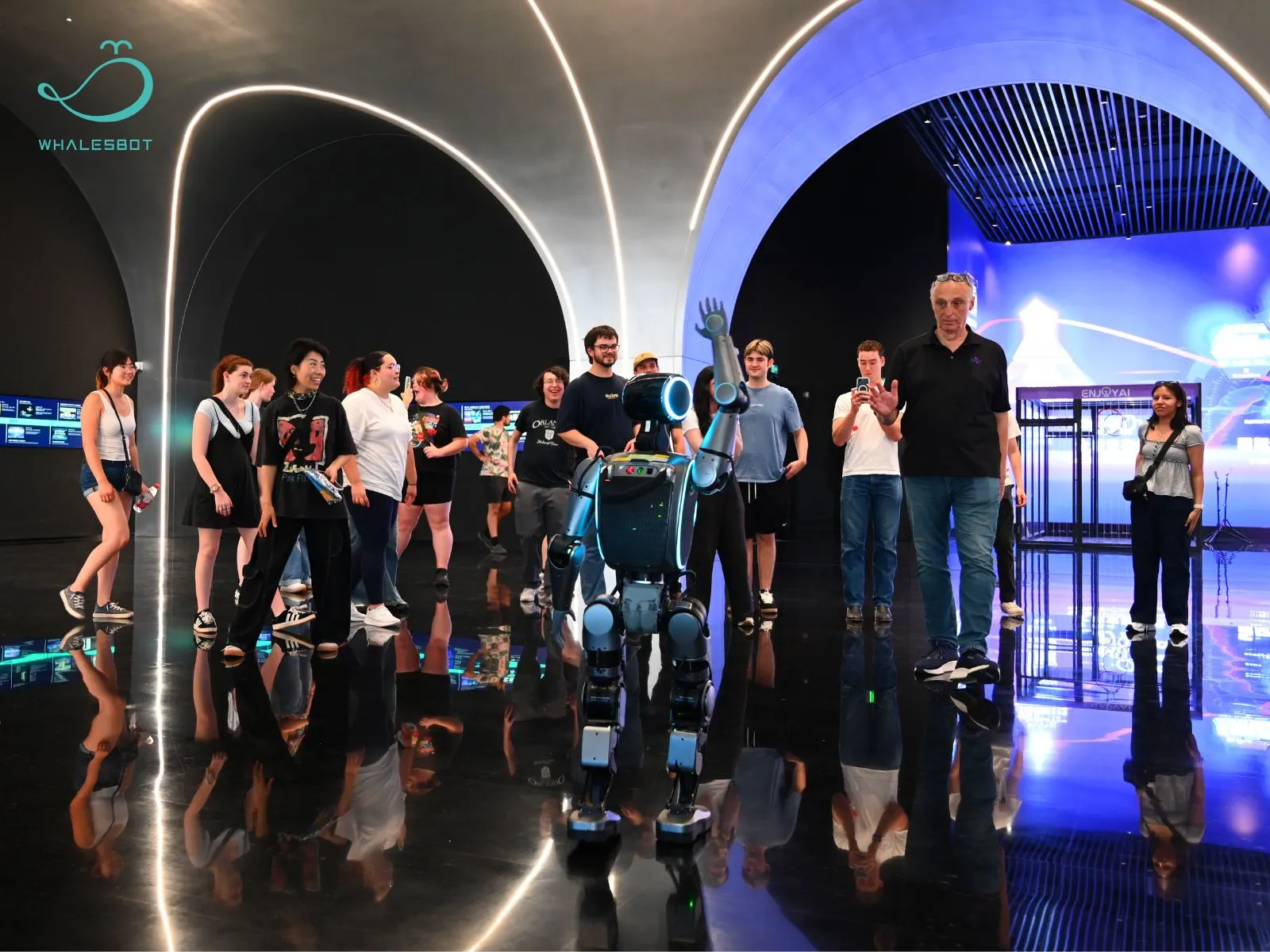
A study tour at the WhalesBot STEM & AI Center combines interactive AI exhibits, robotics demonstrations, hands-on challenges, and a visit to the WhalesBot smart robot factory. Students can see how robots are designed, built, programmed, and used in the real world.
6. Join an AI or Robotics Summer Camp
For students who want to go beyond a one-afternoon project, a summer camp offers more time to build, code, experiment, and meet others who enjoy technology too. By the end of the week, they may leave with a working robot, a new AI project, or simply a much clearer idea of what they want to explore next.
How to Choose the Right Camp
Before signing up, look for a program that:
· Matches the student’s age, interests, and current experience
· Includes real building, coding, testing, or creative projects
· Leads to a clear outcome, such as a robot, app, challenge, or showcase
· Clearly explains who runs the program, what tools are used, and whether it is a day, residential, or online camp
Here are a few established programs to explore:
·iD Tech
A large U.S. tech camp provider for children and teens, iD Tech offers courses in robotics, AI, coding, and game design at university campuses and online. Its robotics options include VEX and BattleBots-style projects, making it a lively choice for students who enjoy building and competition.
·Camp Tech Revolution by Lavner Education
Camp Tech Revolution runs hands-on STEM programs across the United States, with options ranging from introductory AI and robotics to robot cars and more advanced coding. Different courses serve different age groups, so students can choose a project that feels challenging without being overwhelming.
·Tech Camp UK
Tech Camp UK is designed for students aged 9–17 who would rather make something than simply hear about technology. Its courses cover robotics, engineering, AI app design, and drone racing, with several projects allowing students to continue experimenting after camp ends.
For older students interested in a more academic and selective experience, university-led programs such as Stanford AI4ALL may be worth watching for future application cycles. The two-week online or residential program has introduced students to areas such as computer vision, medical AI, natural language processing, and robotics through lectures, demonstrations, and team research projects.
7. Take Part in a Robotics Competition
Building a robot is exciting. Watching it enter an arena, complete a mission, and compete alongside a team takes that excitement to another level. Robotics competitions give students something real to work toward, while turning every test, mistake, and last-minute adjustment into part of the experience.
Here are four international competitions worth exploring.
·FIRST
FIRST stands for For Inspiration and Recognition of Science and Technology. Its programs range from FIRST LEGO League to FIRST Tech Challenge and FIRST Robotics Competition, covering different ages and levels of engineering experience.
The 2026–2027 BIOGLOW season will be the final FIRST LEGO League season under the long-running FIRST and LEGO Education partnership. Afterward, FIRST plans to launch new K–8 programs, while LEGO Education will introduce its own LEGO League.
·VEX Robotics Competitions
VEX turns robotics into a fast-paced game. Teams build, code, and repeatedly improve their robots as they test new designs and strategies throughout the season.
·World Robot Olympiad
World Robot Olympiad offers robot missions, sports challenges, innovation projects, and autonomous engineering categories, giving students different ways to put their ideas into action.
·ENJOY AI
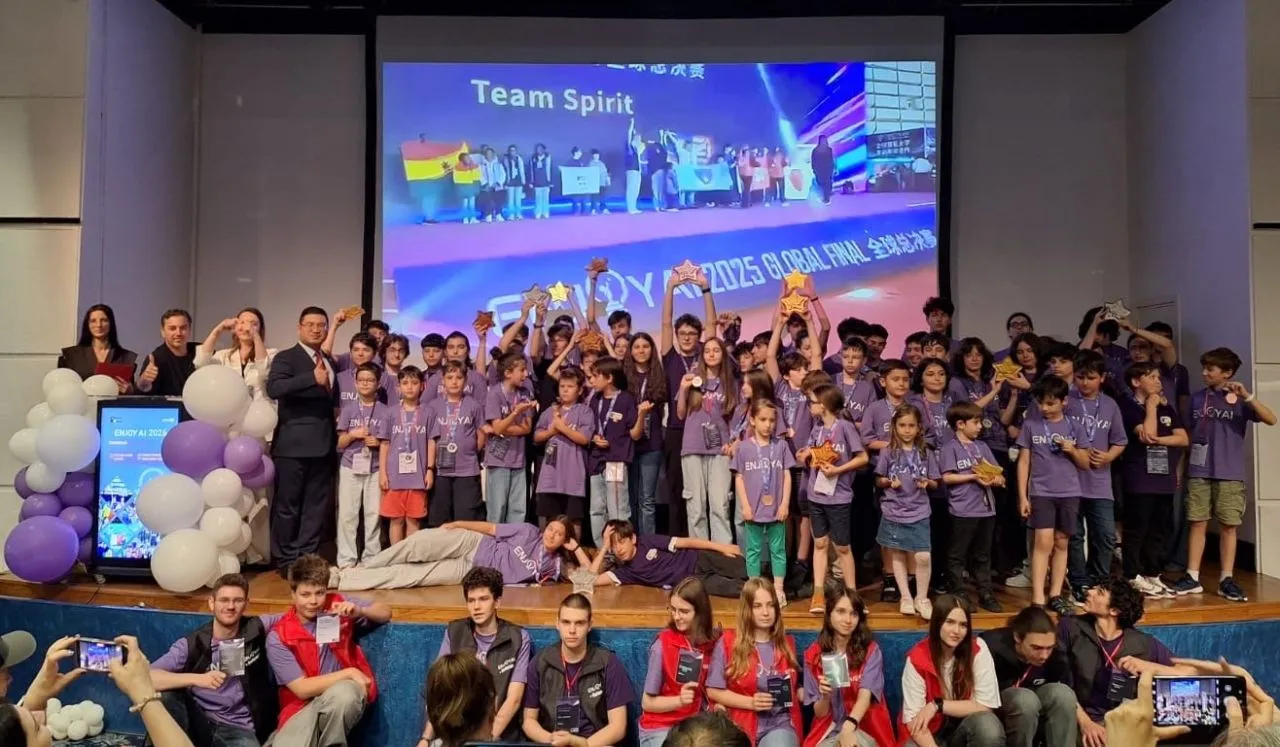
ENJOY AI brings AI, coding, and robotics together through creative missions, team battles, engineering projects, and drone challenges. Its 2026 season connects regional Opens across the Americas, Asia, Africa, Europe, and Eurasia, before concluding with the ENJOY AI 2026 Global Final from December 4 to 6 in Hengdian, China.
Turn Summer Curiosity Into Hands-On Learning
Summer does not need to feel like another school term. A film, a small AI experiment, a robot project, or a visit to a technology space can all be a great place to begin. What matters is giving students time to ask questions, try their ideas, learn from mistakes, and keep exploring.
At WhalesBot, we support this journey with AI and STEM robotics products for different learning stages, hands-on learning experiences, and international competitions such as ENJOY AI. Whether students are taking their first step or preparing for a bigger challenge, summer can be the moment when curiosity turns into something real.
Explore more AI and STEM learning possibilities with WhalesBot: https://www.whalesbot.ai/


.png)