

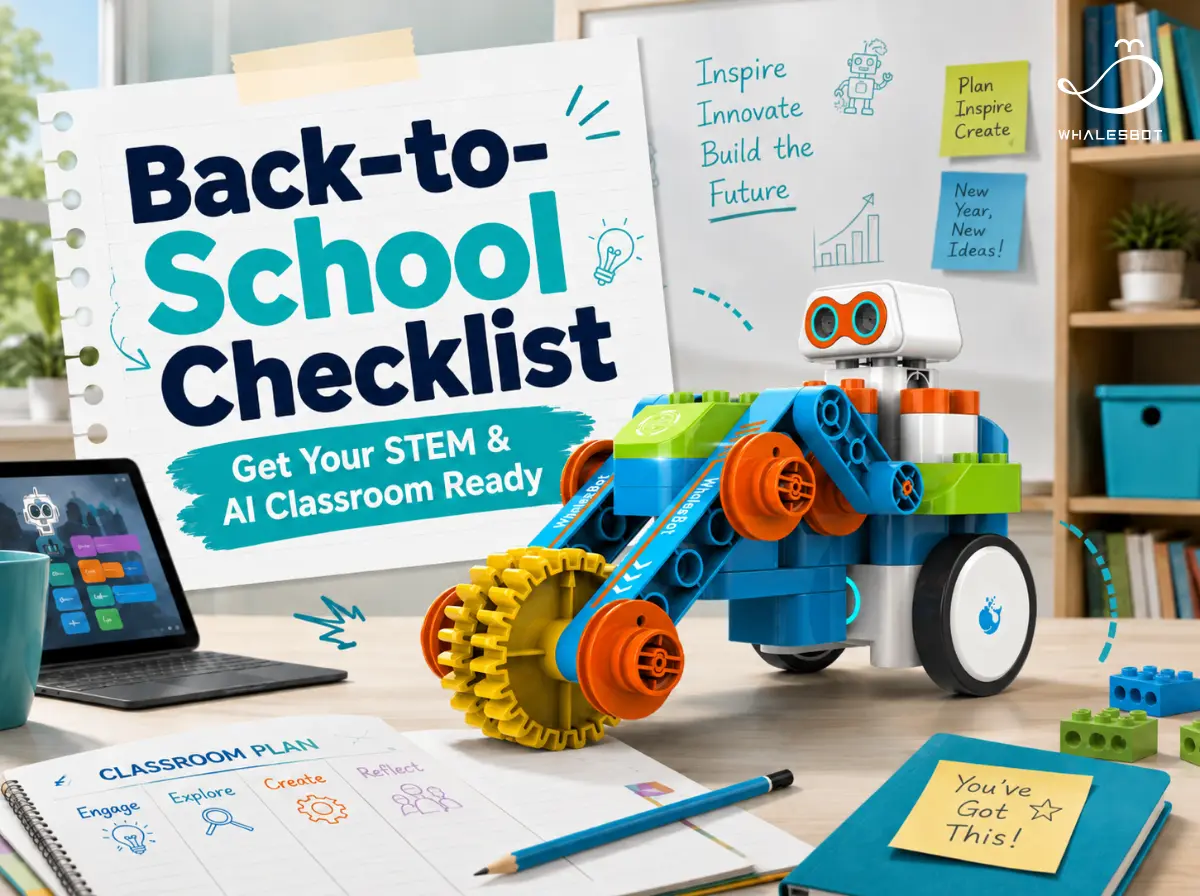


For STEM and AI teachers, a new school year means more than fresh lesson plans and a tidy classroom. It also means getting a hands-on learning space ready for students to build, code, experiment, and probably make a little mess along the way.
The good news is, you don’t need to have the whole year figured out before the first bell rings. A few simple preparations can help create a classroom where students feel ready to explore, collaborate, and turn ideas into real creations.
This checklist covers practical steps for preparing your STEM and AI classroom, from organizing tools and testing technology to planning first-week activities, teamwork routines, and responsible AI use.
1. Get Your STEM Space and Tools Ready
A STEM classroom doesn’t need to look like a high-tech lab. It just needs to make building, coding, testing, and exploring easy.
· Give projects somewhere to happen.
Keep some flexible space for quick demos, team building, and testing. No full makerspace required, just enough room for students to turn an idea into something they can actually try.
· Make sure your kits are ready to go.
Check kit numbers, charge batteries, and replace any missing or damaged parts. Choosing the right tools also matters. Different learners may need different levels of complexity, from beginner-friendly building kits to more advanced robotics and AI projects. WhalesBot robotics kits can support different learning levels across the classroom. beginner-friendly kits such as WhalesBot MakeU Series and WhalesBot Smart Series help younger students get started with building and coding, while WhalesBot AI Module and Rocky give older learners more room to explore robotics, sensors, and AI.
· Run through the digital setup once.
Log in, open the coding platform, connect the robot, upload a program, and run it. It’s a simple way to make sure devices, software, accounts, and connections are working together.
· Keep materials easy to find and return.
Use clearly labeled bins and consistent storage spots, with commonly used parts within easy reach so students can find what they need and put it back when they’re done.
.webp)
2. Start the Year with a Simple Hands-On Challenge
The first week is a good time to help students get comfortable with the classroom, the tools, and each other. A simple hands-on challenge can break the ice while getting everyone building, talking, and solving problems together.
Here are a few easy ways to get started:
· Build something that moves
· Program a robot to complete a short route
· Use sensors to make a robot respond to its surroundings
· Try a simple image-recognition task
· Work together on a small robot-building challenge
Keep the first challenge easy to start, but open enough for students to try different solutions. Even a simple task can take many directions when students are free to change the design, test another route, or come up with their own approach.
Looking for a starting point? WhalesBot’s STEM & AI learning ecosystem can support a range of simple first-week challenges, giving students an easy way to start building, coding, testing, and exploring together.
3. Make AI Rules Clear from Day One
The start of a new school year is a good time to set a few simple expectations around AI. The rules don’t need to be complicated, but students should know when AI is part of the learning process, when it isn’t, and what responsible use looks like.
· Decide where AI fits.
AI might be useful for brainstorming ideas, exploring a topic, or getting help with debugging. Other tasks may be better completed independently, depending on what students are meant to practice.
· Be clear about when students should work without it.
If the goal is to practice reasoning, coding fundamentals, or independent problem-solving, say so from the start.
· Keep AI use transparent.
A short note about which tool was used and how it helped is often enough. The aim is simply to make AI support visible rather than hidden.
· Make checking part of the habit.
Encourage students to test code, verify facts, compare sources, and question explanations instead of treating AI-generated answers as the final word.
A simple Yes / Ask First / Not This Time label can also make these expectations easy to understand across different classroom activities.
4. Set the Ground Rules for Building and Teamwork
Good teamwork doesn’t happen just because students sit in groups. A few simple routines can help everyone take part and make STEM projects run more smoothly.
· Agree on a few “how we work” rules together.
Listen to each other, explain your ideas, give everyone a chance to try, and keep feedback focused on the project.
· Rotate roles so everyone gets hands-on.
Switch between roles such as builder, coder, tester, and recorder so students experience different parts of the project.
· Make “build, test, improve” part of the routine.
When something doesn’t work, pause, see what happened, change one thing, and try again.
· Make asking for help part of teamwork.
Encourage students to explain where they’re stuck, ask teammates for ideas, and share useful discoveries with the group.
The goal is simple: give everyone a chance to participate, experiment, and contribute.
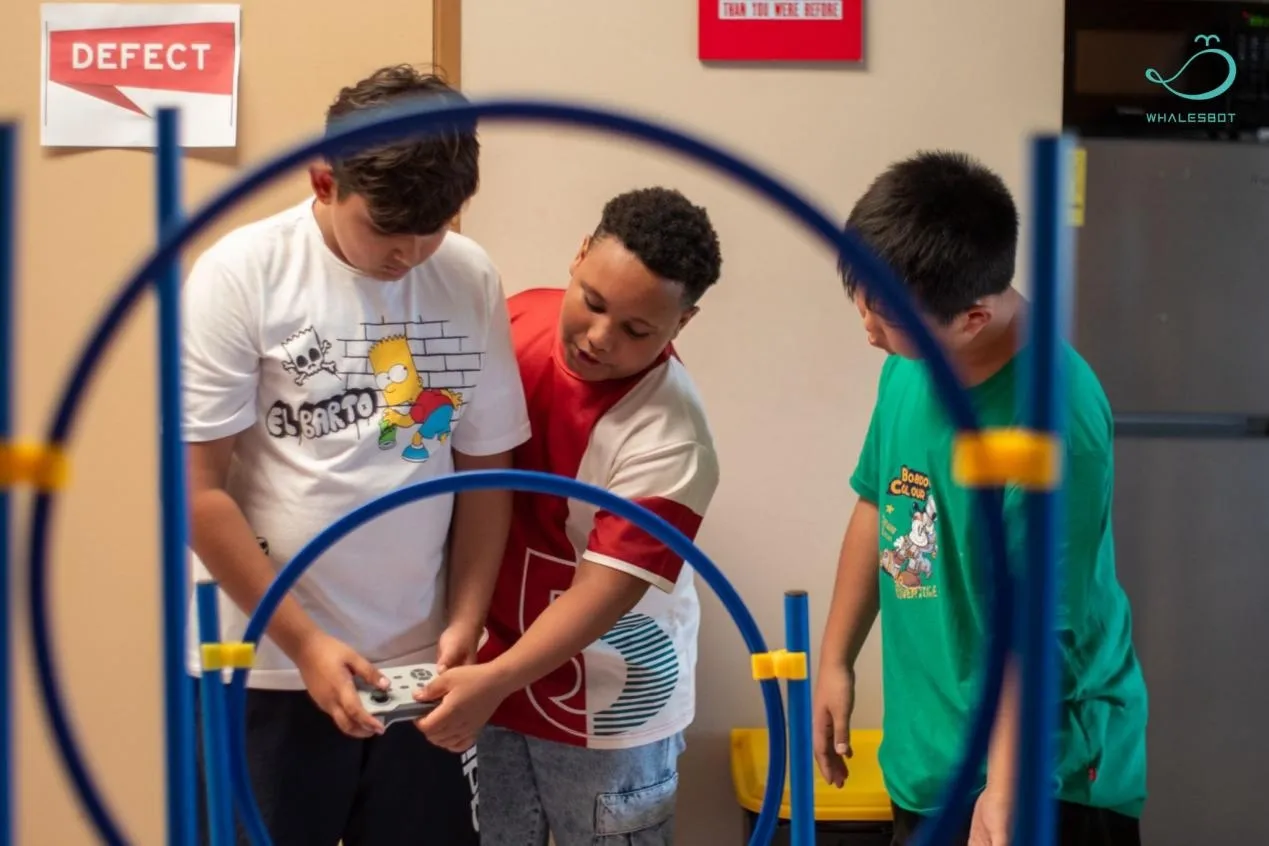
5. Keep a Few Real-World Project Ideas Handy
Jot down a few real-world project ideas before the school year gets busy. Start with situations students already know, then turn them into questions they can explore:
· How could we make our classroom a little smarter?
· How could a robot move or sort objects more efficiently?
· How could sensors help us monitor the environment?
· How could AI recognize different objects or images?
Keep your idea bank simple. Look for questions that feel familiar, are easy to start, and can grow into more challenging projects later in the year as students build new skills.
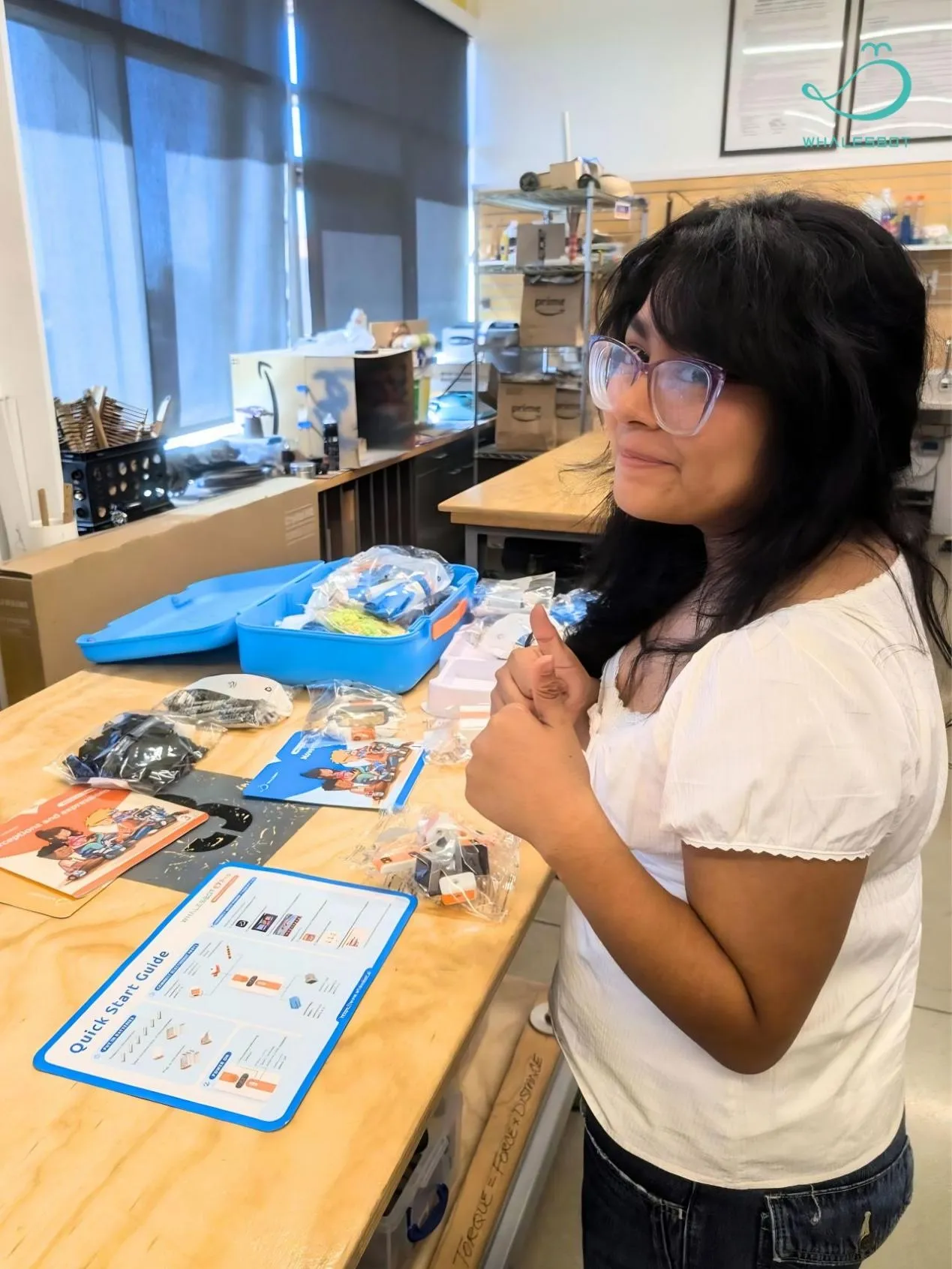
6. Leave Room for Students to Create and Share
When planning a new school year, it’s easy to focus on what needs to be taught and completed. But STEM learning is also about giving students some ownership of the process, from shaping an idea to seeing how their work changes and eventually sharing it with others.
· Give projects a place to grow.
Set up a simple notebook, folder, or digital space where students can keep sketches, photos, test results, and revisions. It doesn’t need to be formal. The goal is simply to make the learning process visible, not just the finished product.
· Leave a little room for choice.
Even in a structured activity, students can choose a design, try a different route, change a feature, or suggest their own solution. A small amount of flexibility can make a project feel much more like their own.
· Plan a moment to share.
A classroom demo, project wall, mini showcase, or open-house display gives students a chance to explain what they made and how they got there. It also gives all that building and testing somewhere to go beyond the assignment itself.
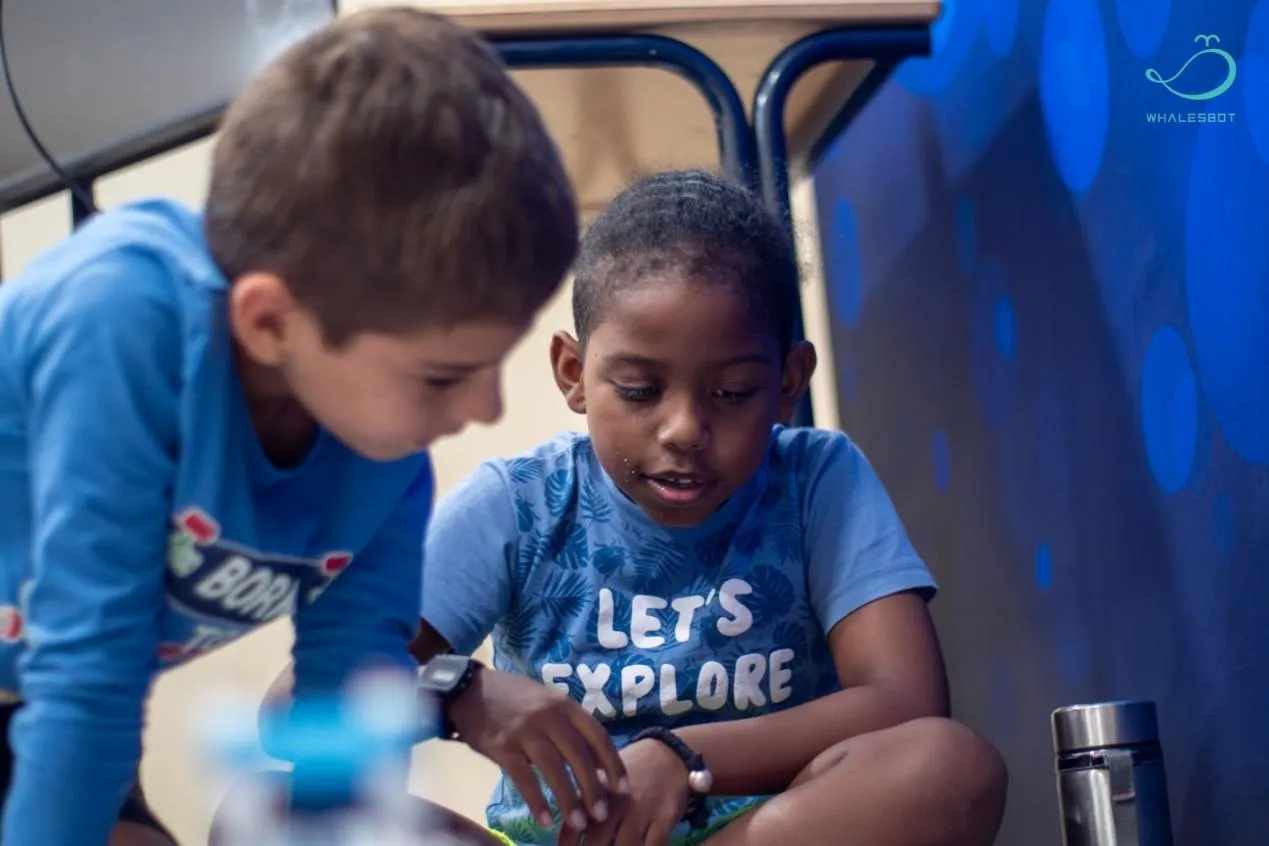
Ready for the New School Year?
A little preparation can leave a lot more room for what makes STEM and AI learning meaningful: building, experimenting, solving problems, and seeing where students take an idea next.
When hardware, software, curriculum, and projects work together, students can move from following instructions to creating solutions of their own.
Ready to bring more hands-on STEM and AI learning into your classroom? Explore WhalesBot’s robotics, coding, AI, and project-based learning solutions for the new school year.
Explore WhalesBot: https://www.whalesbot.ai/


